Many companies have found themselves forcing employees to work from home throughout the pandemic and now as we navigate hybrid learning environments. This trend has been a long time coming, but it seems like we’ve progressed more in the last six months than the previous 20 years combined.
Pandemic or not, remote working will be the future for many of us if it isn’t already the case. This month, we’ll be going over various reasons why you may want to consider making a move to a virtual office. In this article, we’ll be discussing a reason that’s near and dear to our hearts: security.
Virtual vs Physical Office
When some of you hear the term “virtual office,” you’re probably thinking of someone at home on their computer, all their work online. While that’s true, it’s important to understand that what we’re talking about is more specific than that.
A proper virtual office allows someone to actually go to work in the most literal way possible without even stepping foot in a building. All the software and data that your employees would need would be available after logging into your system, often via a login on your company’s webpage. Once inside, your employees can literally do anything they need to do. They would be remote clients of every software your company uses, including accounting packages.
A Safe Solution
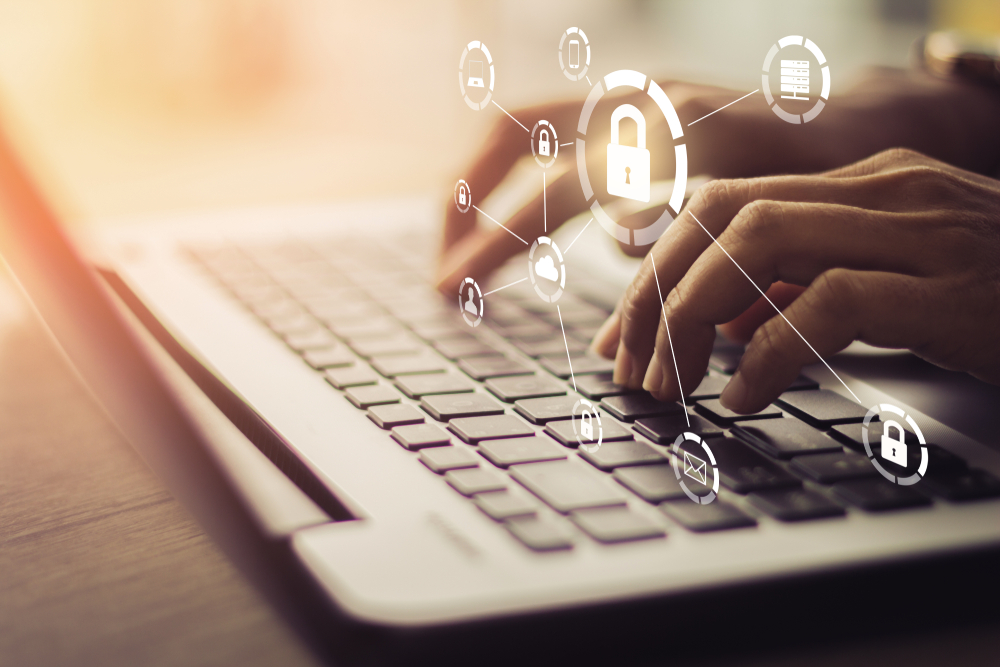
Virtual offices are one of the safest ways for your company to do business remotely. The biggest reason for this is the lack of any software on your employees’ own computers. Even if their computer gets hacked, there’s nothing on the hard drive that would belong to the company. In addition, since the employee is logging into the system, unless someone is literally behind their shoulder, there is no way for them to see what they’re doing.
Much of the time, hackers get information based on the connection between your computer and the server you’re communicating with (the website’s hosting server). You could think of it like being wiretapped — the person listening in can get all the information you’re sharing with your friend on the other line. With a digital office, you’re basically entering a digital building, doing all your business inside, then leaving for the day.
What a Digital Office Is Not
Some of your smarties reading this article might be thinking, “Oh! They’re talking about a VPN.” While VPNs and virtual offices share some similarities, there are a few important differences. For one, VPNs work by encrypting your communication between you and the website you’re visiting. However, once you’re in contact with that website, you’re still vulnerable. What if the site uses cookies to track you or if their servers have been compromised? That VPN won’t do you a lick of good.
Also, VPNs are often used on a network. It’s true that the entire network will be better protected with a VPN than without one, but if one device on the system gets infected, your entire network is defenseless. Even entire VPN services have been hacked in recent months, leaving millions of customers vulnerable.
Let’s use the example of your child opening an infected email. If you’re using a virtual office, none of your company’s files, passwords or any other type of data will be in danger. The only way to access that information is to have the credentials to enter the entire system.
This might make you think that gaining access is just as easy as someone stealing your password. However, entering the virtual office would require a password in addition to multi-factor authentication that would be monitored by your MSP. While any system could theoretically be breached, this form of accessing the system is about as ironclad as you can get these days.
A Smart Solution
Of course, we’d be lying if we said that virtual offices are an impenetrable castle wall that would be 100% safe. Even with physical castle walls, it isn’t just the bricks and mortar that protect that people inside — it’s the design, workmanship and upkeep that stop the enemies from rushing in.
Understanding how a virtual office works, best practices in its implementation and maintenance is what will decide the quality of your system in the long run. This sort of workspace can be complicated to set up and get used to, but once your company works this way for a short while, the peace of mind you have will make you wonder why you didn’t do this years ago.
Naturally, with something this important, you’re going to want a company that knows what they’re doing from years of practical experience, not just from learning by watching a YouTube video on the topic. Especially when putting all your eggs in one basket (so to speak), you better make sure that basket is made from galvanized titanium covered in diamonds. Well, maybe not literally, but you get the point.
Our team has been working with virtual offices (in whole or in part) for decades. We know what needs to be done and understand the very real danger of not doing it right the first time. If you’re finding your workplace become more and more sparse with your employees working remotely, don’t wait to call us today. We’d be happy to go over your specific needs and help develop a solution that will make your virtual office a secure workplace.