

Passwords alone fail more than half the time to keep accounts safe. That means your sensitive information could be an easy target for cybercriminals. Multi factor authentication Google offers adds layers of protection by requiring more than one way to verify who you are. In this post, you’ll learn the benefits of MFA and how to pick the right method to lock down your accounts for good.
What is MFA Anyway?
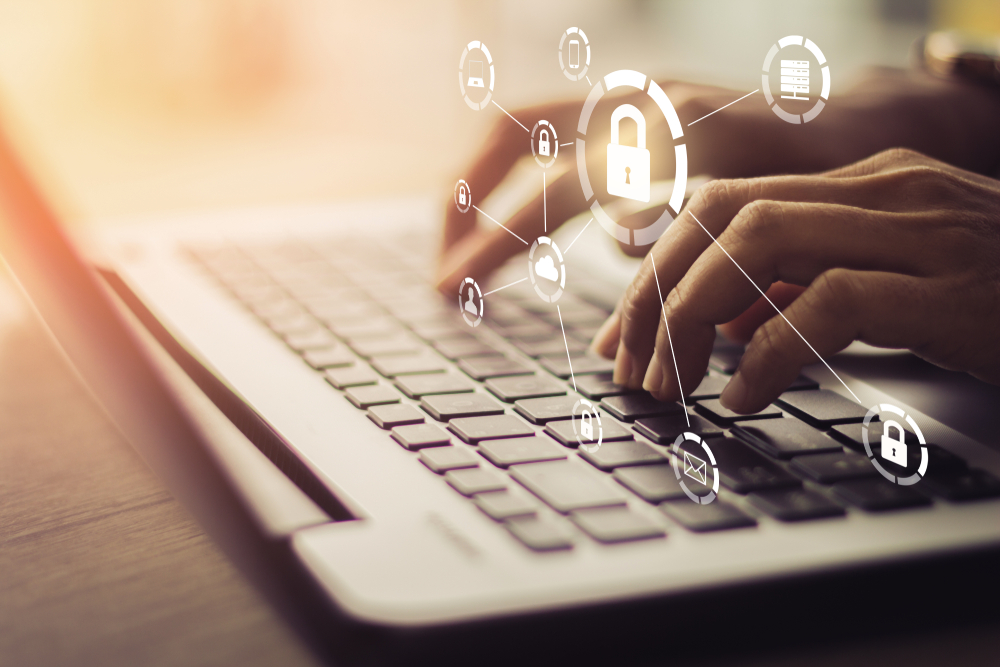
Think of MFA as the bouncer for your digital nightclub. It’s not impressed by your one-trick password pony.
The ABCs of Multifactor Authentication
MFA is like a three-layer burrito of security goodness. Layer one: something you know (password). Layer two: something you have (phone). Layer three: something you are (fingerprint).
It’s simple math. One measly password? Child’s play for hackers. But crack three distinct security layers? That’s like trying to teach a cat to fetch – theoretically possible, but highly unlikely.
MFA doesn’t just ask, “What’s the secret word?” It also checks if you’ve got your special decoder ring and can prove you’re not secretly three raccoons in a trench coat.
Why You Should Care About MFA
Let’s get real. Your birthday as a password wasn’t clever in 2005, and it’s definitely not cutting it now.
MFA is your digital bodyguard, karate-chopping away 99.9% of automated attacks. That’s not a made-up statistic – it’s straight from the security nerds at Microsoft.
Picture this: A hacker swipes your password. Without MFA, they’re in faster than you can say “identity theft.” With MFA? They’re left outside, sadly playing their tiny hacker violin.
Your bank account, embarrassing selfies, and that top-secret pizza recipe – all safer behind MFA’s iron curtain. It’s like having a moat, drawbridge, AND a dragon guarding your digital castle.
Types of MFA: Choose Your Weapon
Not all MFA is created equal. Let’s break down your options, from “meh” to “Fort Knox on steroids.”
SMS Codes vs. Authentication Apps
SMS codes are the participation trophy of MFA. Better than nothing, but not winning any security Oscars.
Here’s the lowdown:
- SMS: Your phone gets a text with a code. Easy peasy. But about as secure as a screen door on a submarine.
- Authentication apps: Generate codes right on your phone. No cell signal needed, and way harder for the bad guys to intercept.
Why ditch SMS? Because SIM-swapping attacks are a thing. Hackers can convince your cell provider they’re you, redirect your texts, and boom – your “secure” codes are now theirs. Not cool.
Authentication apps like Google Authenticator or Authy are like having a tiny code-generating elf living in your phone. Much tougher for hackers to crack, unless they’ve also stolen your device (in which case, you’ve got bigger problems).
Biometric Verification: The Future is Now
Welcome to the sci-fi part of our program. Biometrics use your body as the key.
Fingerprints, face scans, even the way you walk – all unique to you. Unless you’ve got an evil twin or a very talented face-stealing alien doppelganger, this stuff is hard to fake.
The cool factor: High. The security level: Fort Knox with a side of Area 51.
But remember, biometrics aren’t foolproof. A really good photo might trick some face recognition systems. And let’s not even talk about what happens if someone gets hold of your fingerprint data. (Spoiler: It’s not great).
Real-World Wins with MFA
Time for some MFA success stories that’ll make you want to high-five your IT department.
Tales of Thwarted Attacks
Meet Bob. Bob thought MFA was a pain. Then hackers got his password and tried to drain his bank account. MFA stopped them cold. Bob now loves MFA more than his morning coffee.
Or take ACME Corp. They implemented company-wide MFA last year. Attempted breaches dropped by 85%. The IT team now struts around like superheroes (cape-wearing optional, but encouraged).
Here’s a fun one: A university turned on MFA for all student accounts. Suddenly, the mysterious epidemic of “my dog ate my homework” emails sent at 3 AM dropped to zero. Coincidence? I think not.
Building Trust with Your Customers
MFA isn’t just about keeping the bad guys out. It’s about showing your customers you’ve got their backs.
When you implement strong MFA, you’re basically telling clients: “We care about your data more than we care about making things slightly more convenient.”
It’s like the digital equivalent of installing really good locks on your store. Customers feel safer, and they trust you more with their precious info.
Plus, in the event something does go wrong, you can point to your MFA setup and say, “See? We did everything we could!” It’s not a get-out-of-jail-free card, but it sure looks better than “We protected your data with the digital equivalent of a ‘Keep Out’ sign.”
Remember: In today’s world, trust is currency. MFA is like a trust-building ATM, constantly depositing faith in your brand’s account.
So there you have it. MFA: It’s not just a good idea, it’s the digital equivalent of wearing both a belt AND suspenders. Sure, it might take an extra second to log in, but isn’t your data worth it? Now go forth and activate that MFA – your future self (and your IT team) will thank you.
Artificial intelligence is an incredible kind of technology that simulates human intelligence. Through machine learning, AI acquires information that enables them to perform actions that are traditionally only done by humans. This kind of technology brings vast benefits to just about everyone. But at the same time, it also presents security risks, especially to organizations and businesses. This is because a hacker can use AI and use it to wreak havoc! It’s quite ironic that the same technology is used to benefit and harm businesses. It is this very nature of AI that makes it confusing as to whether it is good or bad. In this article, we will discuss the differences between AI for hacking and AI for security and ultimately learn how to leverage it to protect your business.
How Hacker AI Works
For hackers, the birth of AI technology has opened a mother lode of cunning tools that are used to make their attacks more efficient. It will take several pages to discuss the many ways they are using AI to facilitate security breaches and so on. For now, let’s list some of the more common techniques these cybercriminals use to give you an idea of how hacker AI works.
Hacker AI Automated Creation of Malware Code
Traditionally, creating malware falls into the hands of highly skilled coders. But today, thanks to AI, practically anyone can generate code for malware. Just tell the machine what you want the program to do, and they will “write” code for it almost instantly. Furthermore, this AI-generated malware is quite stealthy and can efficiently dodge even the tightest security systems.
Advanced Phishing Campaigns
AI-powered chatbots are highly versatile tools, but unfortunately, one of their most frequent uses is for the generation of realistic phishing emails. These emails have a higher level of credibility because each recipient receives a customized message thanks to AI algorithms’ data collection and analysis.
Getting Past Biometric Security Systems Using Hacker AI
Biometric systems’ security is no longer as reliable as it once was because AI can now mimic human intelligence, behavior, and even appearance. AI can duplicate fingerprints and even voiceprints, making it easy for a hacker to gain access to most biometric systems.
How Security AI Works
Now, it might seem that hackers might have the upper hand in using AI, but that is not necessarily true. The use of AI also strengthens many security solutions currently in use. The same technology that is helping hackers has also proven to be invaluable in many of today’s cybersecurity systems. Here are some of the top ways in which security AI works compared to hacker AI.
Early Threat Detection
Through machine learning, security systems can be trained to detect and respond to threats faster and more efficiently. By analyzing past trends, patterns, and other data, AI algorithms can predict when a threat is about to materialize, even when there are no apparent signs yet.
Immediate Incident Response
AI systems perform non-stop surveillance of your systems and networks. If anything is amiss, the system cannot detect when something is wrong but will launch the appropriate response in real-time, eliminating any security problem before it even arises.
Minimized Human Error
Even the most highly trained or most competent employee can make mistakes, whereas a thoroughly trained AI system can produce perfect or near-perfect results. AI can accurately identify risks and red flags, leaving no chance for threats to go unnoticed.
Security Task Automation
Free up your staff’s time by letting AI handle routine security tasks like network monitoring and data analysis, while they focus on more complex or pressing matters. In this way, AI becomes a vital tool not only for enhanced security but for better work management as well.
Final Thoughts on Hacker AI and Security AI
As a business owner, you have to deal with both the good side and the bad side of AI. Consider using AI technology to stay competitive and improve security in your business. Protect your business from AI-powered attacks. Now, we understand that this can be very frustrating because, naturally, your primary focus should be on your business. That is why we are prepared to take over everything that has to do with security. Our AI security system ensures complete protection by detecting and monitoring threats. For more information on this subject, you will discover plenty of useful information in our downloadable Cyber security E-book. Let us know if you are ready to take that step because we are ready whenever you are.